Step Six: Descriptor Mappings
Follow this walk-through when you are using the Target Terminology OpenGALEN7. When you are using SNOMED CT, go to the next page.
Return to the Descriptor tab. Select Deed in the descriptor category hierarchy. In the list of descriptors, select debriding.
Mappings are declared in the right hand half of the screen.
In the input box to the left of the Search button, enter the string debrid* - including the asterisk - and then press the Search button:
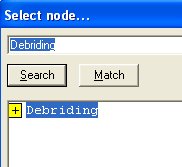
A picking list is displayed of all entities in the Target Terminology OpenGALEN7 that match the search string. If no suitable entity to map to was found, you can search again on a new string.
Select the concept Debriding from the list, and press OK.
GirC now shows you the mapped concept and further information known about it from the Target Terminology, such as its position in the hierarchy, its synonyms and definitions.
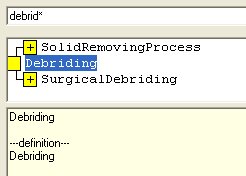
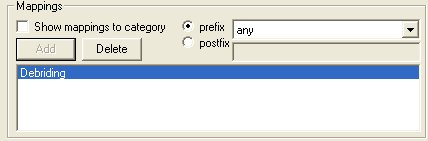
Click the Add Button. The mapping is now shown in the mapping panel.