Step Ten: Creating a dissection repository
Published Authoring Terminologies can be opened within, or imported into, a client application. This tutorial uses GirCs companion application: SPET. Since SPET understands GirC's dictionaries, it can directly open a GirC dictionary and does not need to import the published Authoring Terminology.
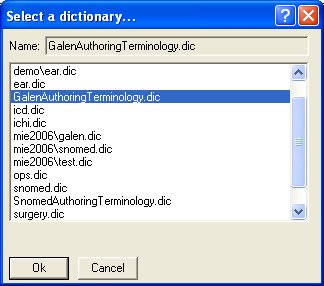
Open SPET. If it doesnt immediately pop up a dialog asking you to Select a dictionary.., using the application menubar select Dictionary/open .
In the dialog that appears, select the dictionary GalenAuthoringTerminology (or SnomedAuthoringTerminology when you're using SNOMED CT) and click OK.