Step Thirteen: Expanding dissections
Read the GRAIL Tutorial to learn more about GRAIL and GCE.
It would be much simpler if we had a concept LungSurgery as a starting point. Although there is a concept CardiacSurgery, the concept LungSurgery is missing. In GCE we can create this concept and have the classifier place all relevant concepts below this new concept LungSurgery. As an example, we can look at the definition for CardiacSurgery:
Process which
actsOn Heart
playsClinicalRole SurgicalRole
which is equivalent to:
SurgicalDeed which
actsOn Heart
To add the concept LungSurgery, select the concept SurgicalDeed in the browser. Then select Concept/Prototype from the menu. Select the checkbox whichG; select the attribute involves. Enter lung in the Values field and press Search, then select the concept Lung. Finally, press Add.
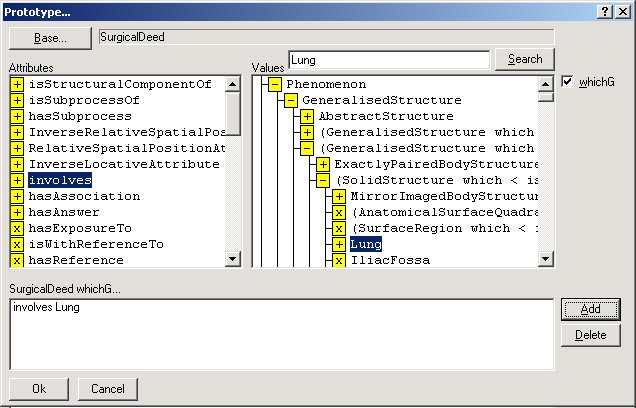
Press Ok to add the concept to the model. When all went well, the browser focusses on the new concept. Press the Enter key on your keyboard, or select Concept/Name and enter the new name LungSurgery.
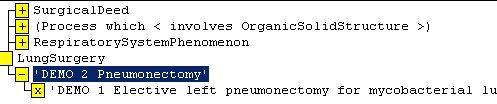
Below this new concept you will find two of the dissections from this tutorial. Select Display/Rubric from the applications menu to have the browser display the rubrics entered in SPET.